01
Video generation
- ChatGPTscripts · ideas · prompts
- Google Veo 3.1
- Kling AI
- Runway Gen-4
- Pika
- Grok





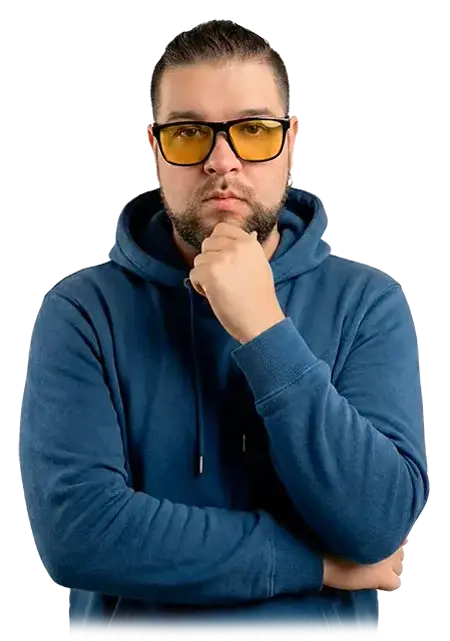
My name is Viktor Shut.
I am a video editor and motion designer. I work on video projects of various scales —
from short-form content to complex commercial and creative tasks.
Open to new projects and collaboration.
Experience working on projects of various scales: from small teams and freelancing to television production, collaborating with video production houses, YouTube channels, brands, and non-profit organizations.
Tools I work with daily on commercial and personal creative projects.
 Premiere Pro
 After Effects
 Photoshop
 Illustrator
 Blender
Cinema 4D
Blender
Cinema 4D
Fill out the form — the email will be sent directly to my inbox.
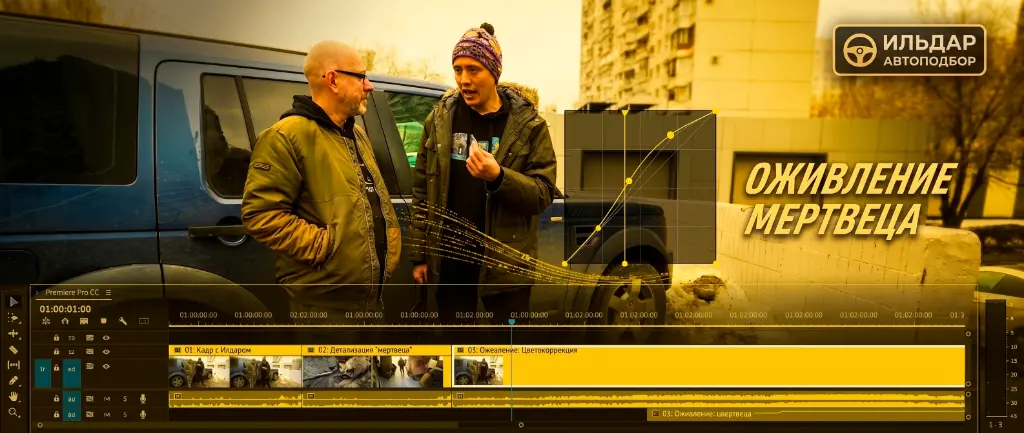
Edited in Premiere Pro. Performed audio cleaning and color correction, and curated around 25 different music tracks to shape the atmosphere and mood of the video.
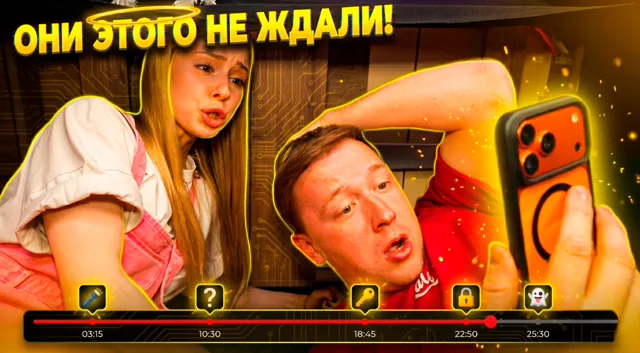
Editing of a kids entertainment video. For this project, over 50 video sequences were generated using AI, and about 70 music tracks and sound effects were selected. All editing was done in Premiere Pro in integration with After Effects.
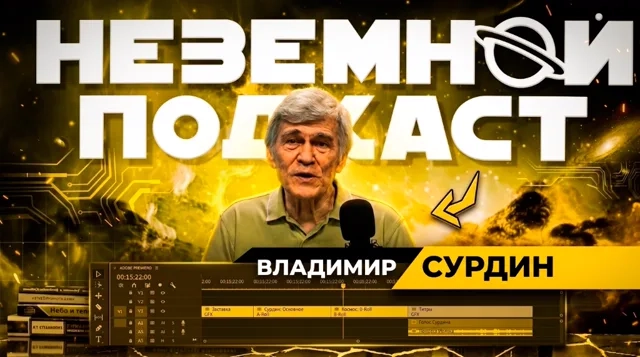
Editing of a podcast for astronomer Vladimir Surdin. The video was edited in Premiere Pro using multicam mode. Audio processing and basic color correction were also performed.
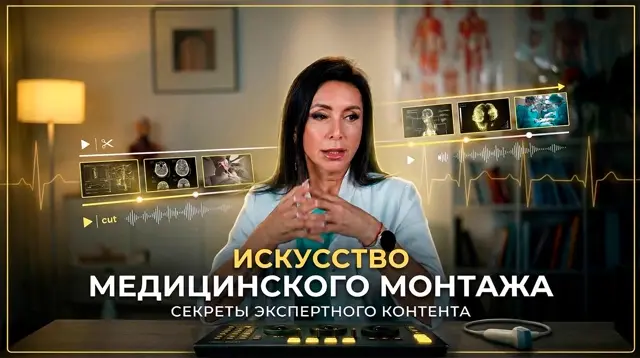
The project was edited from a two-camera shoot in Adobe Premiere Pro. Basic color correction, audio cleaning, and processing were performed, alongside stock footage selection and integration. Part of the visual content was generated using AI tools. Infographics explaining thyroid types were designed in Adobe Illustrator and animated in After Effects. The intro logo sequence features a dust effect generated by AI and finalized in After Effects.
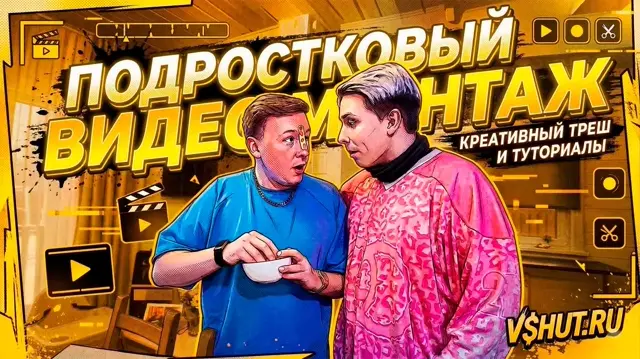
Edited in Adobe Premiere Pro. Individual shots generated with AI technologies were integrated. Basic audio processing and color correction were performed.
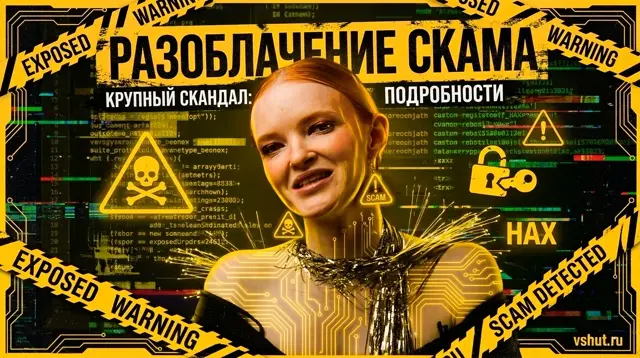
Edited footage from a two-camera shoot. Performed synchronization, scene assembly, basic color correction, and audio processing. Added simple screenshot animations.
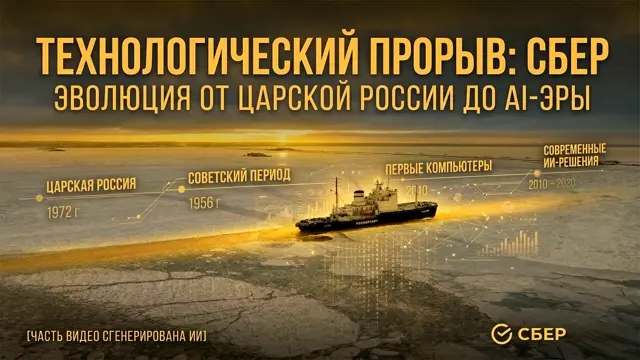
Edited in Adobe Premiere Pro. Around 50% of the visual content was created using AI technologies, with the rest sourced from open libraries. The project concept was to visually reflect the evolution from past eras to modernity through editing and image curation. Sound design was not required as part of the task.
Created using stock video footage. Visual effects were produced in Adobe After Effects using Stardust and Trapcode Particular plugins.
Video editing for Motti European shop. Edited in Adobe Premiere Pro and Adobe After Effects. Performed assembly, basic color correction, and music selection.
Edited in Adobe Premiere Pro, with visual effects created in Adobe After Effects using third-party plugins. Sound design and color correction were not required for this task.
Personal project based on the movie Joker. Features a track by Nirvana, selected for its synergy with the mood and dramaturgy of the source material. The main focus is on conveying the atmosphere through editing, pacing, and synchronization of visuals with the soundtrack.
Created as part of a technical assignment: a music video was edited based on a short film, including music selection. The main focus is on pacing, audio-visual synchronization, and preserving the integrity of the original narrative.
Completed based on a technical brief: a video sequence was compiled from scratch based on a provided voice audio track. All visual materials were sourced from open libraries. The key focus was precise lip-sync/timing with speech, narrative logic, and visual consistency.
Edited in Adobe Premiere Pro from a four-camera shoot (total source duration around 3.5 hours). Performed synchronization, scene assembly, basic color correction, and audio noise removal. All motion graphics were custom-designed and animated by hand.
In the first shot, a stock character image was used. All subsequent compositing and integration of elements were done manually from scratch. The main part of the project was done in Adobe After Effects, with the 3D building model modeled and textured in Blender. Adobe Photoshop was also used to prepare and refine graphic assets.
After-action video from a business meeting. Video editing, music selection, and comprehensive color grading of the raw footage to normalize colors and create a unified visual aesthetic.
After-action video from a business meeting. Video editing, music selection, and comprehensive color grading of the raw footage to normalize colors and create a unified visual aesthetic.
Editing and color correction of a video dedicated to one of the most important moments in a couple's life. The primary focus is on raw emotions, storytelling rhythm, and creating an atmospheric, cinematic visual style. All music was provided by the client.
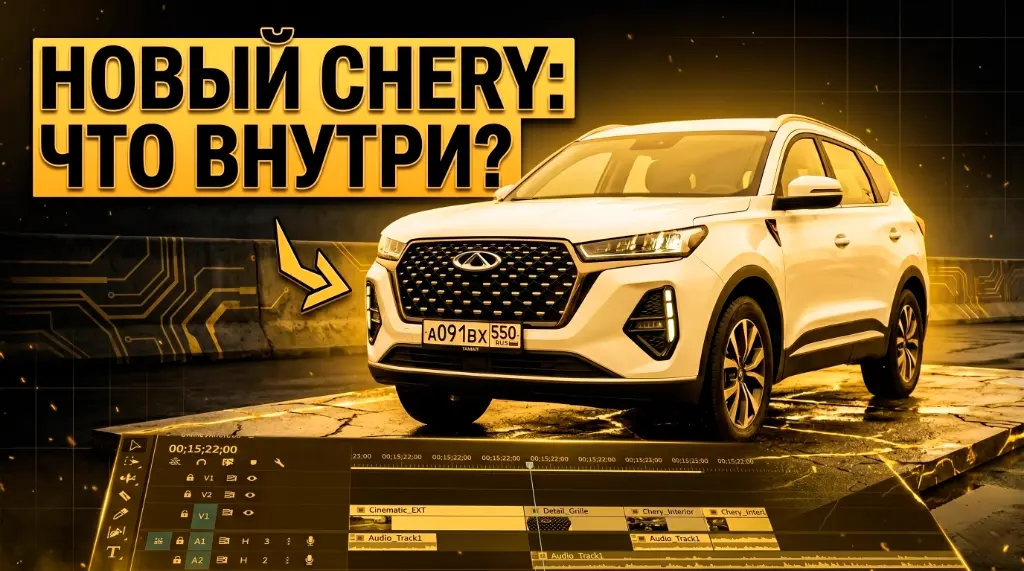
Edited in Premiere Pro from 7.5 hours of raw footage. Performed video editing, color correction, music layout, voice work, inserts curation, and integration of pre-made overlays.
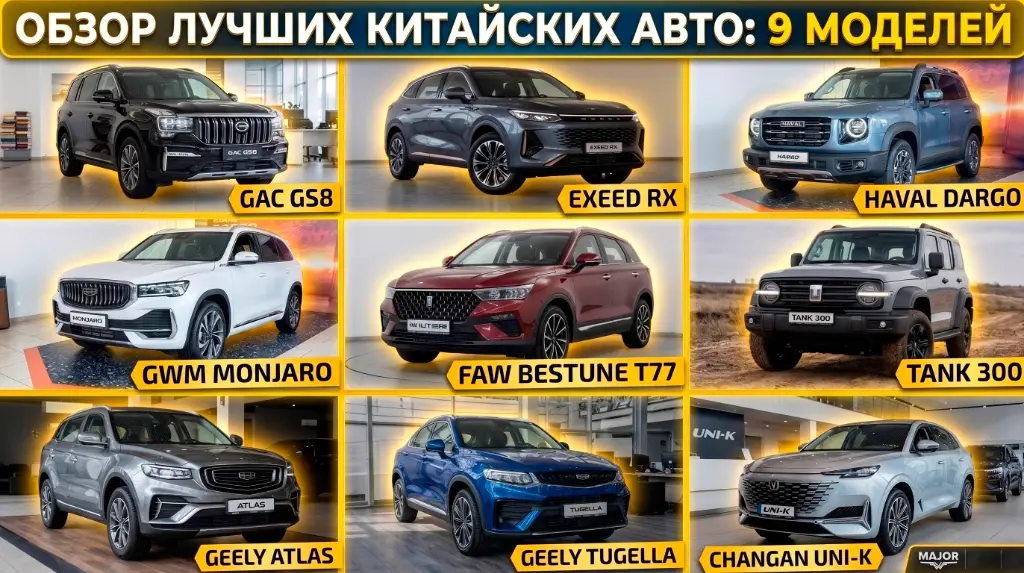
According to the task brief, custom animations and motion design overlays were added to a pre-edited video. All production was completed in After Effects.
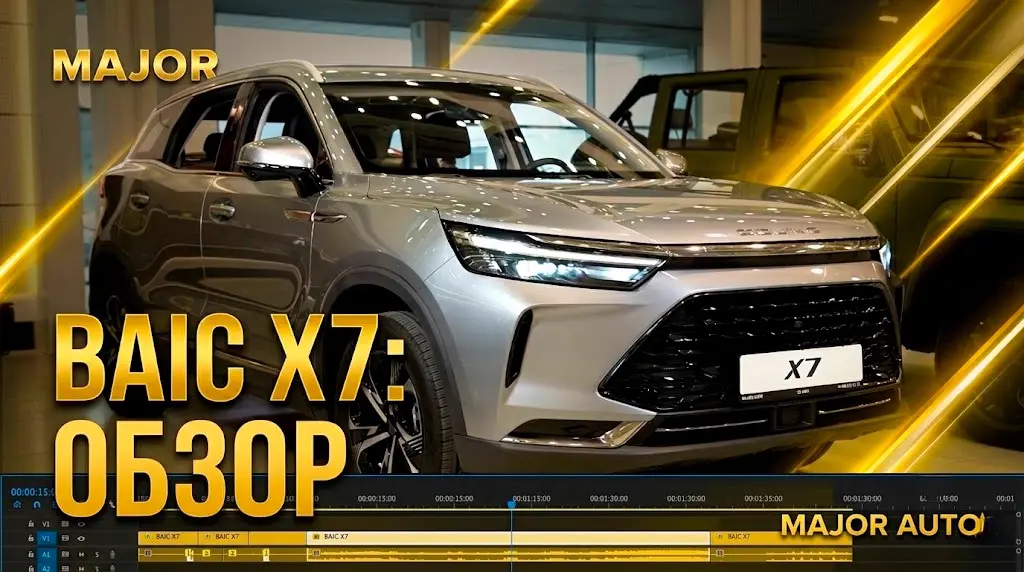
Edited in Premiere Pro from 3 hours of raw footage. Performed video editing, color correction, music layout, voice work, inserts curation, and integration of pre-made overlays.
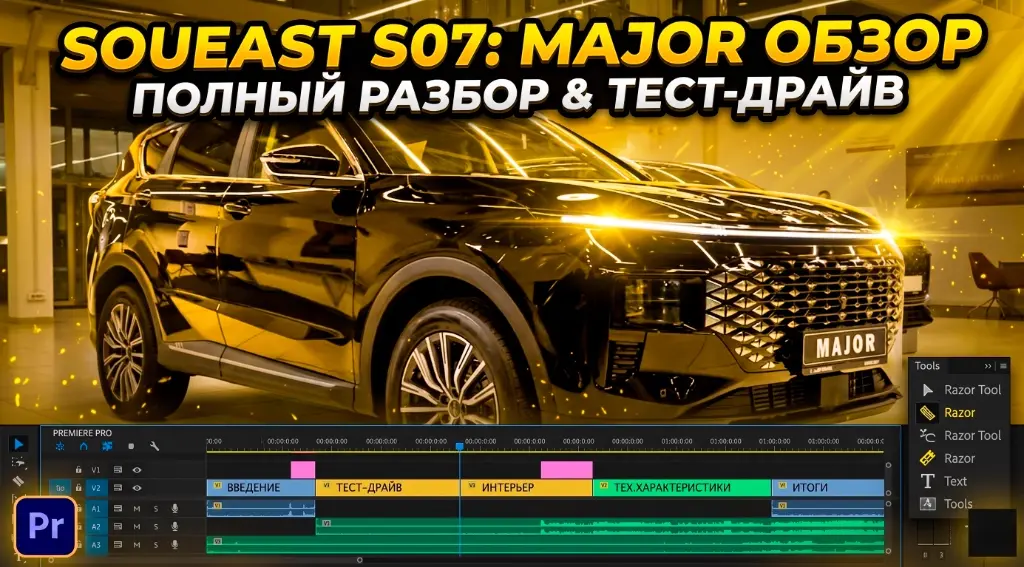
Same as the video review above.
Same as the video review above.
Same as the video review above.
Edited from four cameras. Basic color correction, sound design, overlays, and intro sequence (as described in the previous example).
Edited from three cameras. Basic color correction, sound design, overlays, and intro sequence (as described in the previous example).
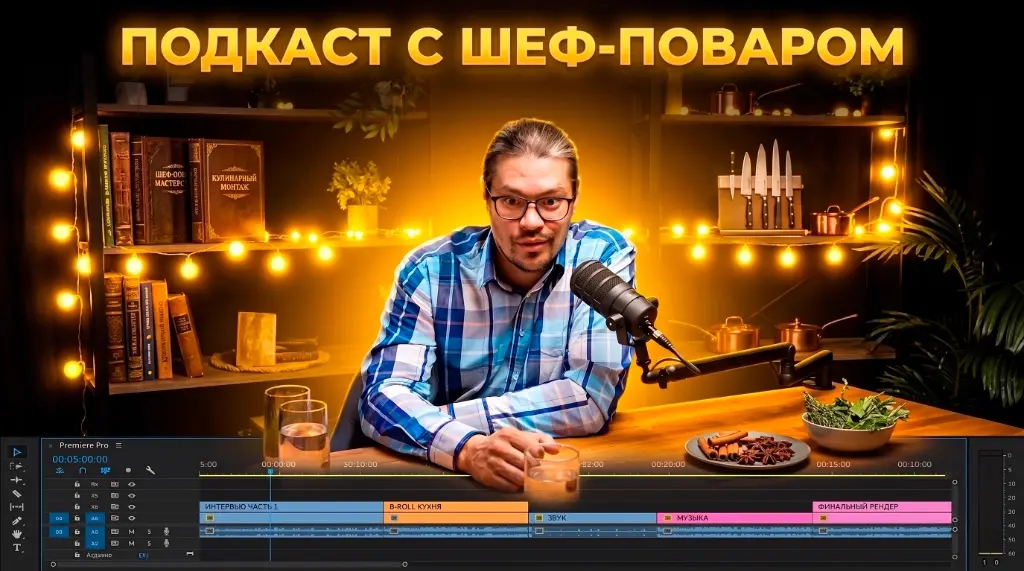
Edited from three cameras. Basic color correction, sound design, overlays, and intro sequence (as described in the previous example).
Edited in Premiere Pro for the "Nochlezhka" charity foundation. Contributed to the project as a volunteer video editor.
Edited in Premiere Pro and After Effects. Sourced from public materials.
The animation style was aligned with the client. All production completed in After Effects.
Animated Shorts. All characters and backgrounds were generated with AI. Animation was created in After Effects.
Editing of an ASMR promotional Shorts video.
Editing and color correction completed entirely in Premiere Pro. Also includes music curation and sound syncing.
Shorts video editing from a four-camera shoot, including color grading, audio cleaning, and text overlays.
Shorts editing with minor After Effects work, music curation, and color correction.
Edited in Premiere Pro with basic After Effects additions.
Modeled in Blender. A practice run of cream simulation. Well, we keep testing and refining!
Dynamic motion design piece showcasing the rivalry between Adidas and Puma brands. Animation, motion graphics, and compositing done in After Effects.
Animated motion graphic piece covering US-China economic and political tensions. Shape animation, typography, and pacing crafted in After Effects.
A documentary-style motion piece about the evolution of ChatGPT. Compositing, typography, and animation were created in Adobe After Effects.
An animated documentary scene of the Titanic sinking history. All animation and compositing was done in After Effects, with graphic assets generated by AI.
A short visual history of Sony Corporation. Diving into the evolution of iconic brand products, animated in After Effects with assets generated by AI.
A project without references — a classic "make it look nice" brief. Sourced only from a Figma logo file, all other elements were designed from scratch: the bowl, food, paws, and a morphing transition to the final mark. Animated in After Effects.
4 social media banners without strict guidelines. The task was to build dynamics and hold viewer attention. All sources were in Figma, with animation and final compositing done in After Effects.
Fully character-driven scene assembled in After Effects using Duik Ángela, focusing on natural movements and a clean rig.
Pure After Effects without external plugins — emphasis on timing and composition. Layout prepared in Illustrator.
Character rigging and animation in After Effects, with movement mechanics built from scratch. Illustration designed in Illustrator.
Character animation in After Effects, pre-designed in Illustrator. Key focus was clarity and expressive movement.
Work-in-progress. Initiated with a minimal brief and the browser logo. Produced using After Effects, Illustrator, and Figma, focusing on clean UI logic and micro-interactions.
3D experimentation in After Effects using Stardust — working with particles, volume, and scene dynamics.
Produced from a storyboard and references. The task was to implement the specified dynamics and rhythm in After Effects.
Animated in After Effects using Element, Stardust, and Particular — combining 3D assets and particles for rich visuals.
After Effects + Particular and Saber — experimenting with light and energy effects. Logo pre-drawn in Illustrator.
Scene design in Illustrator followed by animation in After Effects using Duik Ángela — a classic character animation pipeline.
Illustration prepared in Illustrator and animated in After Effects using Duik Ángela, focusing on rigging and expressiveness.
Same pipeline: Illustrator → After Effects + Duik Ángela. Focus on natural movement and timing.
Atmospheric character-driven scene assembled in After Effects using Duik Ángela, with assets pre-drawn in Illustrator.
A light and vibrant scene, drawn in Illustrator and animated in After Effects using Duik Ángela.
Commercial presentation featuring character animation: Illustrator → After Effects + Duik Ángela, focusing on dynamics and clear storytelling.
Working with particles in After Effects using Particular — creating atmosphere and depth.
Animation in native After Effects without plugins — combining stock elements (barrels, map) and composition.
3D-animation in After Effects using Element 3D. Logo designed in Adobe Illustrator.
Minimalist animation in native After Effects — emphasis on clean motion and careful timing.
After Effects + Duik Ángela, based on a stock project adapted and prepared in Adobe Illustrator.
Logo animation in native After Effects without third-party plugins — classic clean motion.
Animated in After Effects using Element — playing with space and depth.
Experimental "one-evening" scene — simple yet tidy animation in After Effects.
Custom tools I build with AI to automate repetitive tasks, speed up editing, and leave more time for creative decisions.
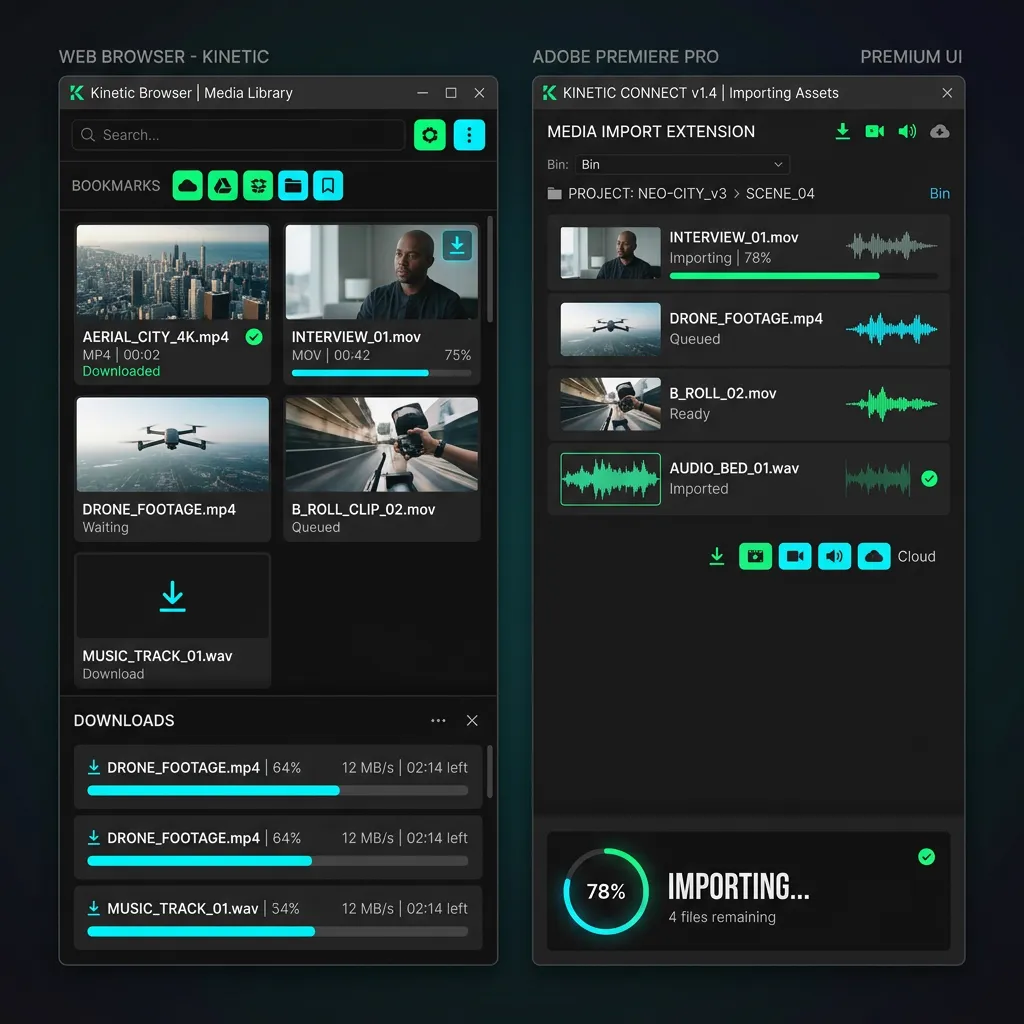
A professional automation tool for working with Artlist.io. Download music and videos in a single click, convert them automatically to high-quality editing formats (WAV and Apple ProRes), and import them instantly into active projects in Adobe Premiere Pro or After Effects.
Unzip the archive. Open the folder, find the install.ps1 file, right-click it, and select
"Run with PowerShell". This will configure PlayerDebugMode in the registry and
automatically symlink the panel directory to the system Adobe CEP extensions folder. Restart Premiere
Pro / After Effects.
On the Premiere Pro panel (Window -> Extensions -> VS Art Link), click "Show Chrome
Ext" under the Settings & Tools section. Open Google Chrome, navigate to
chrome://extensions/, enable "Developer mode" in the top-right corner, and drag and drop
the extension folder into the browser window.
Open the panel in Premiere Pro. If a red FFmpeg Required warning is shown, click the button "Download & Install FFmpeg (Auto)". The panel will automatically download the binary, and the status indicator will turn green (Local FFmpeg).
Ensure the extension panel in Adobe is open, and both Server and FFmpeg indicators are green. On Artlist.io, hover over videos or play any audio to see the import buttons (to PR, to AE). Clicking them will automatically download, convert, and place the file directly in your active project timeline!
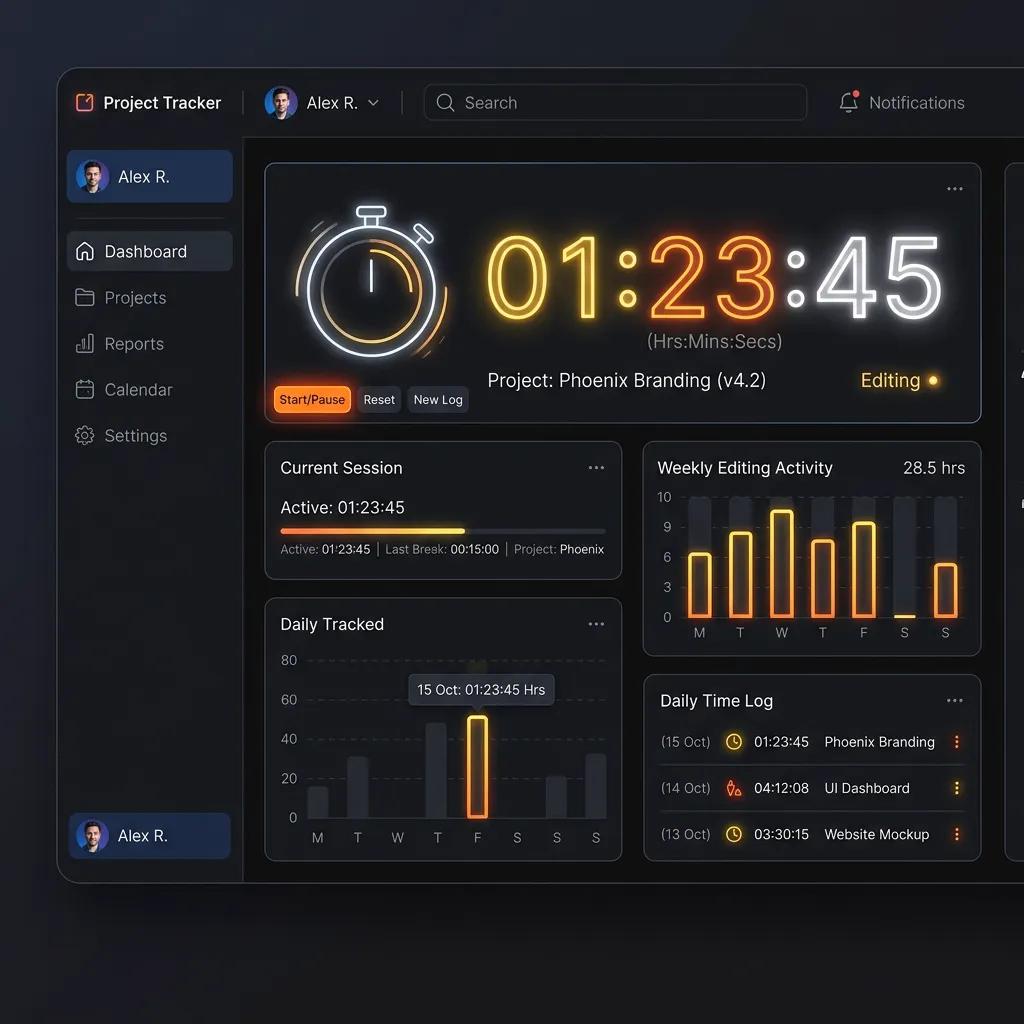
An intelligent project editing time tracker for Adobe Premiere Pro. Automatically records active editing time, tracks work on individual sequences, and provides a beautiful interactive dashboard with productivity statistics.
Unzip the downloaded ZIP archive. Inside, locate install.ps1, right-click it, and choose
"Run with PowerShell" (Run with PowerShell). The script will enable PlayerDebugMode in
the registry and automatically link the folder to the Adobe CEP directory.
Restart Premiere Pro. Open the extension panel from the top menu: Window -> Extensions -> Sequence Time Tracker (or huTime).
The tracker automatically detects the open project and active sequence, displaying editing duration in real time. The Statistics tab displays detailed history and graphs of your activity across projects.
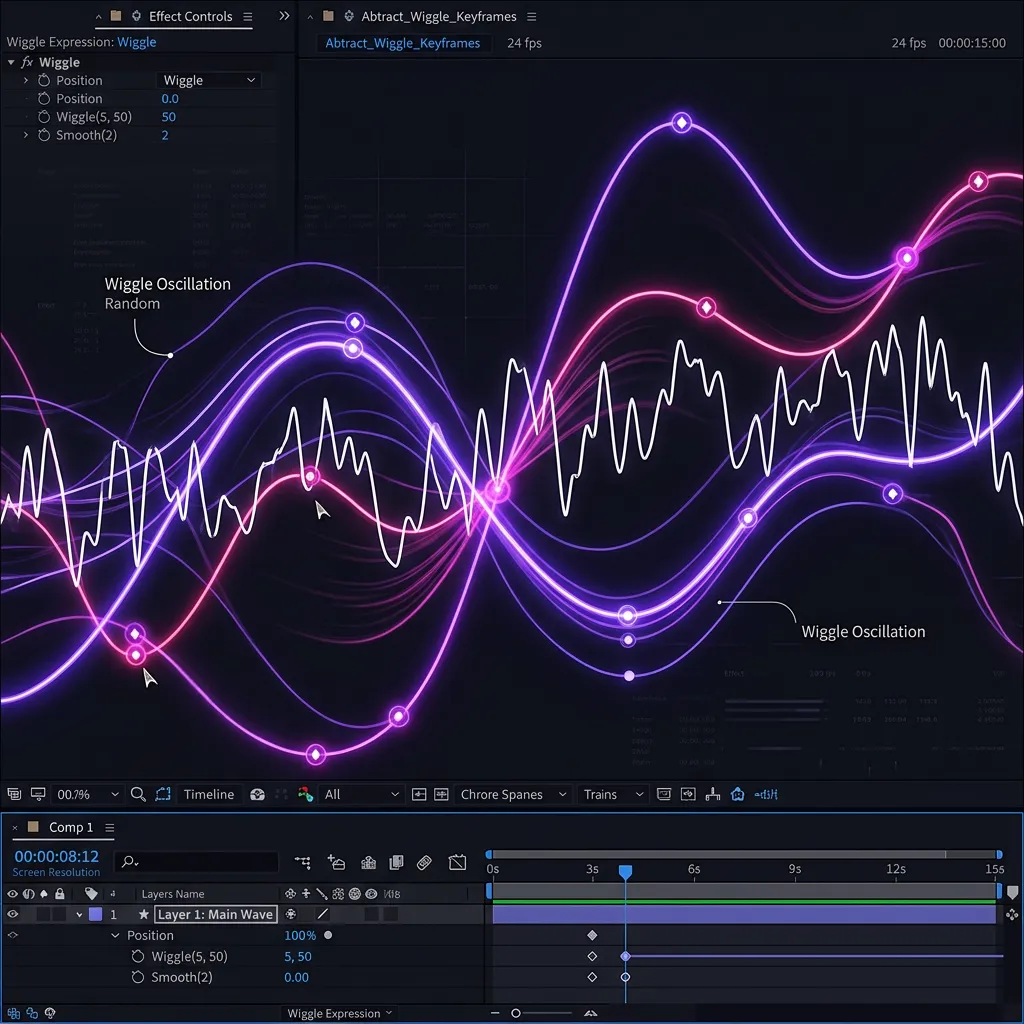
A powerful ScriptUI tool for configuring procedural wiggle animations in Adobe After Effects. Quickly apply, loop, or delete wiggle on Position, Scale, Rotation, and Opacity properties, link parameters to sliders, and "bake" oscillations into keyframes.
Unzip the archive and copy the VShiggle.jsx file to your After Effects scripts folder:
C:\Program Files\Adobe\Adobe After Effects <Version>\Support Files\Scripts\ScriptUI Panels\After restarting After Effects, the panel will appear under the Window -> VShiggle.jsx menu and can be docked anywhere in the UI.
In After Effects, navigate to File -> Scripts -> Run Script File... and select the
downloaded VShiggle.jsx.
Select layers or specific properties on the timeline, choose a preset or adjust frequency and amplitude, and click Apply. Use the Bake button to convert expressions into standard keyframes.

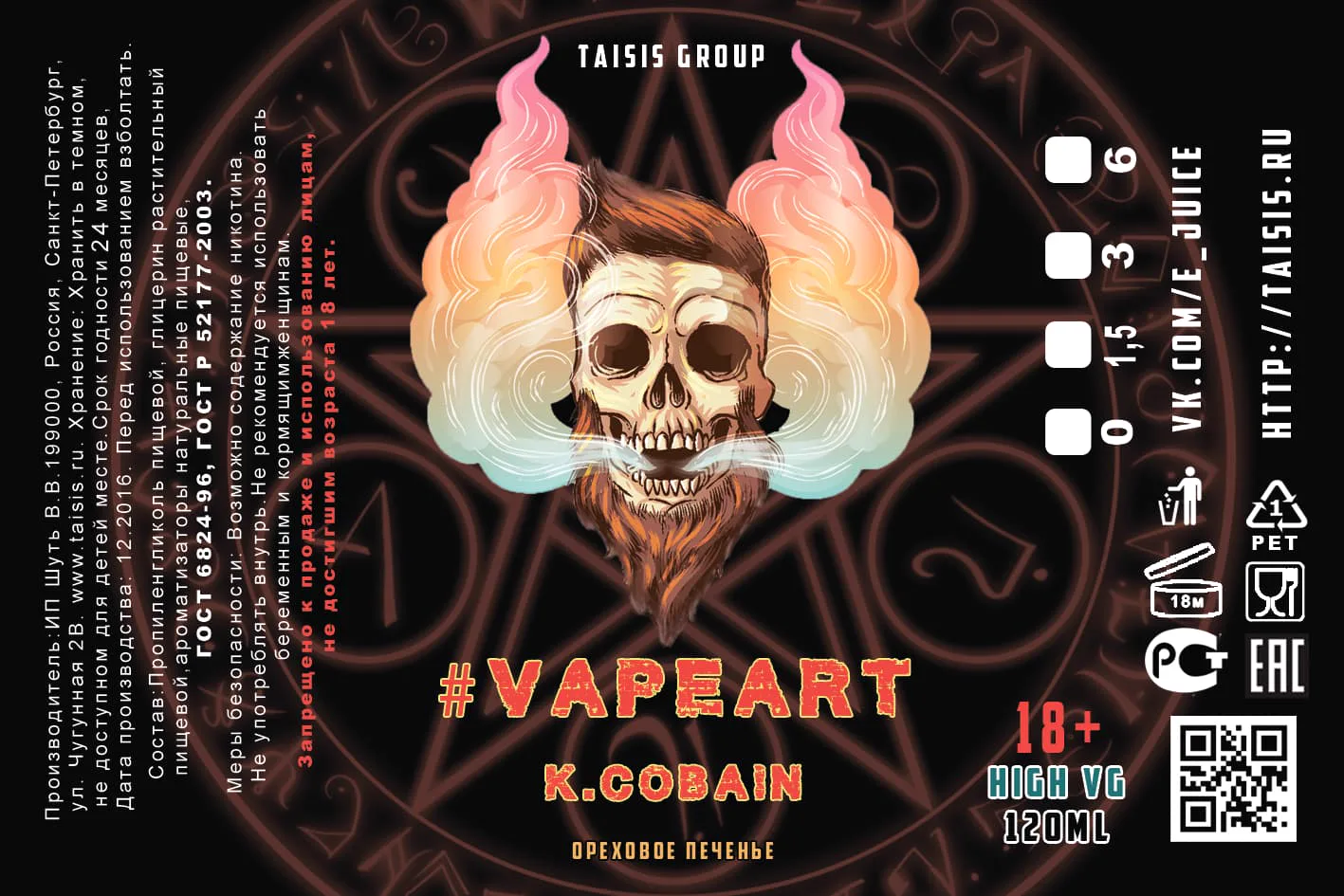
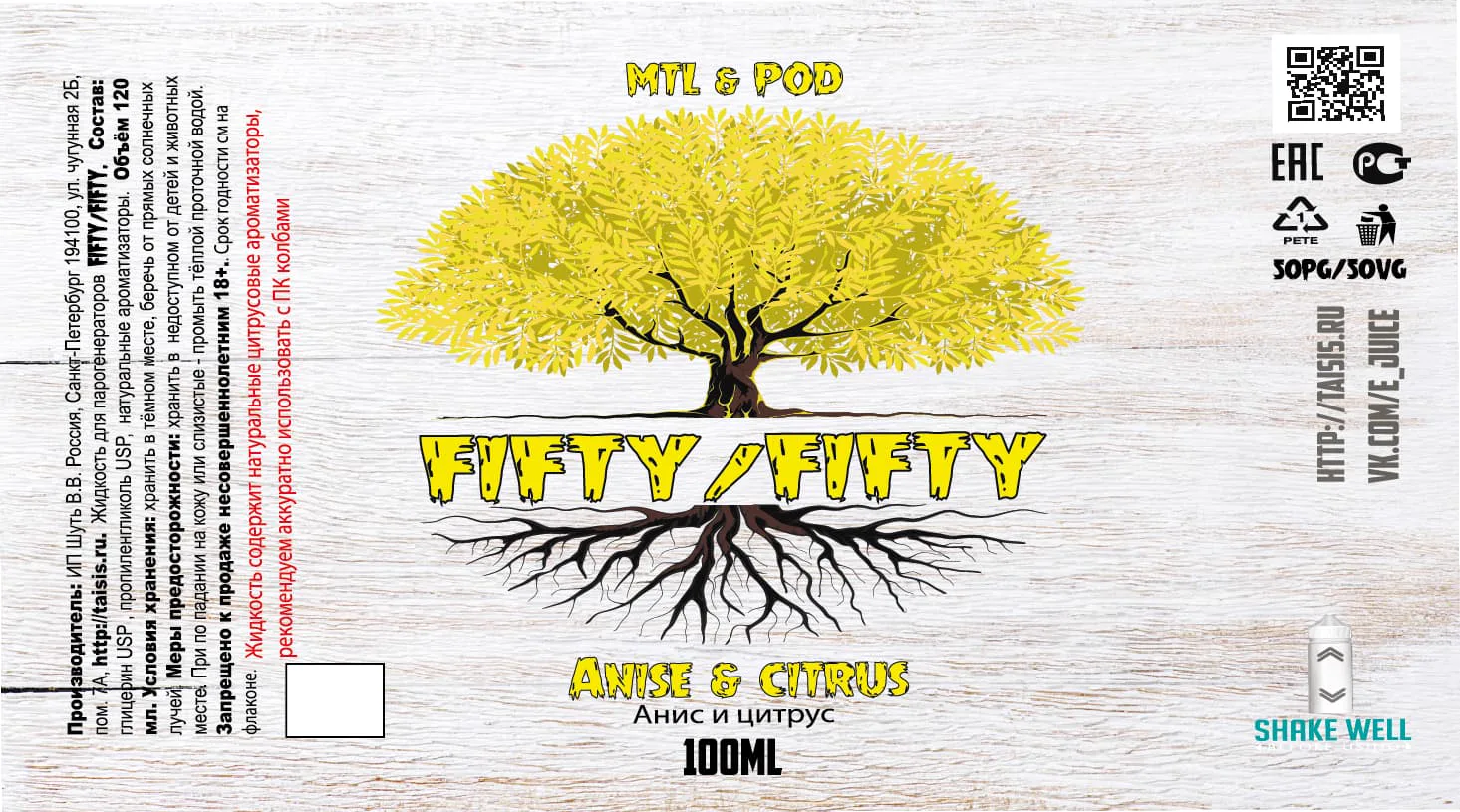
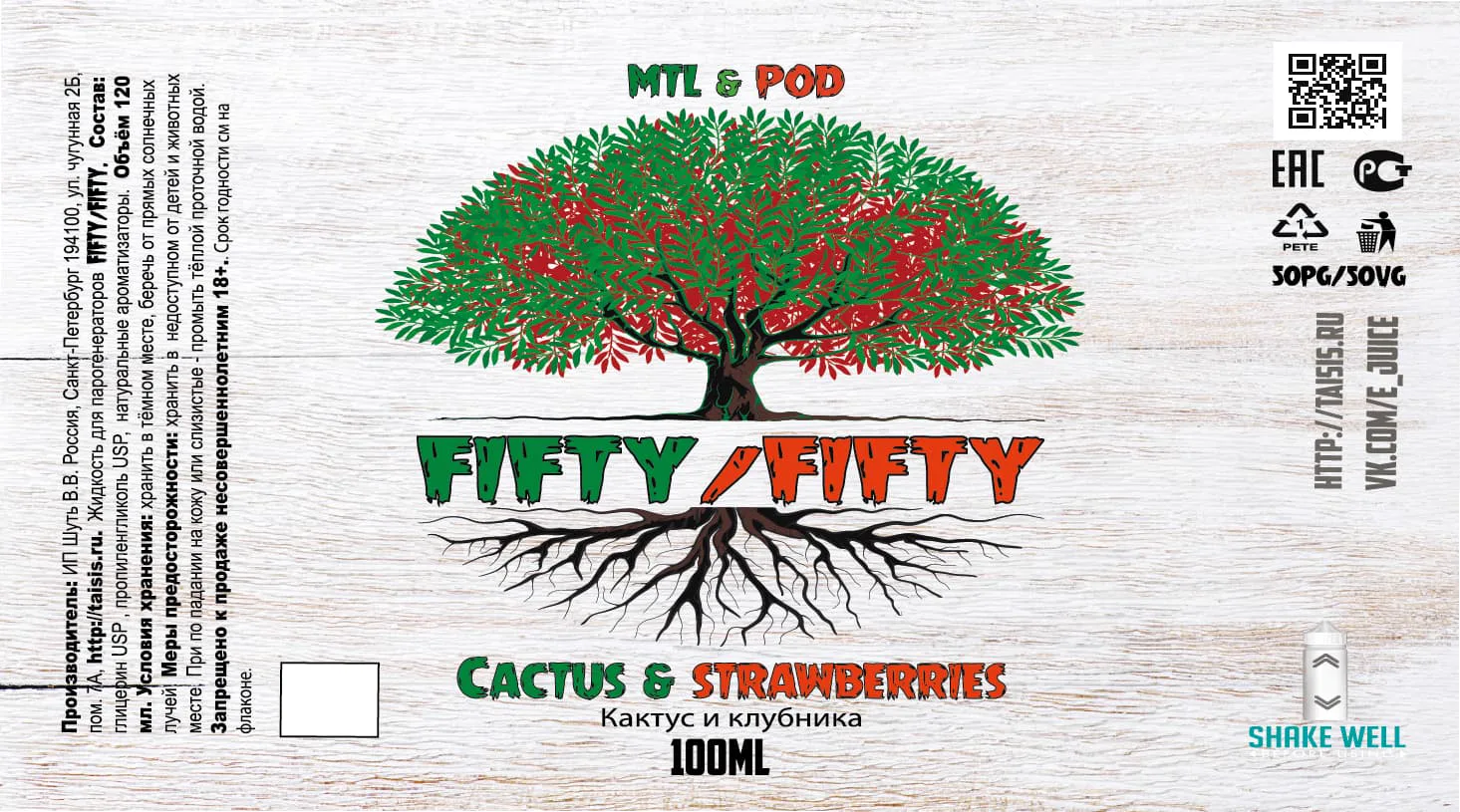
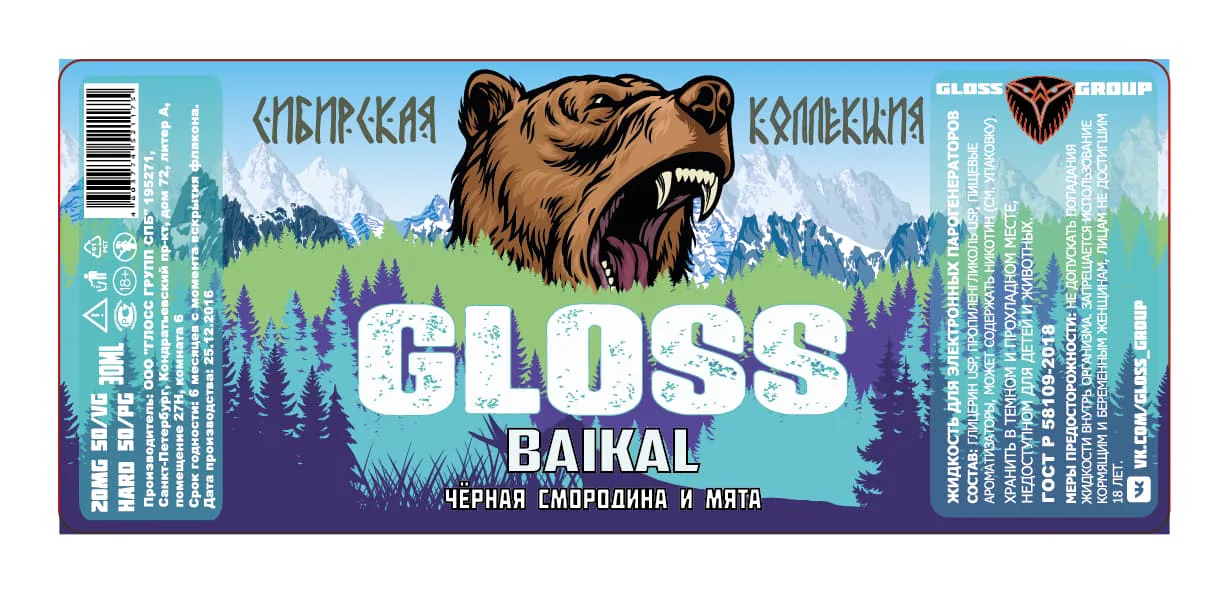
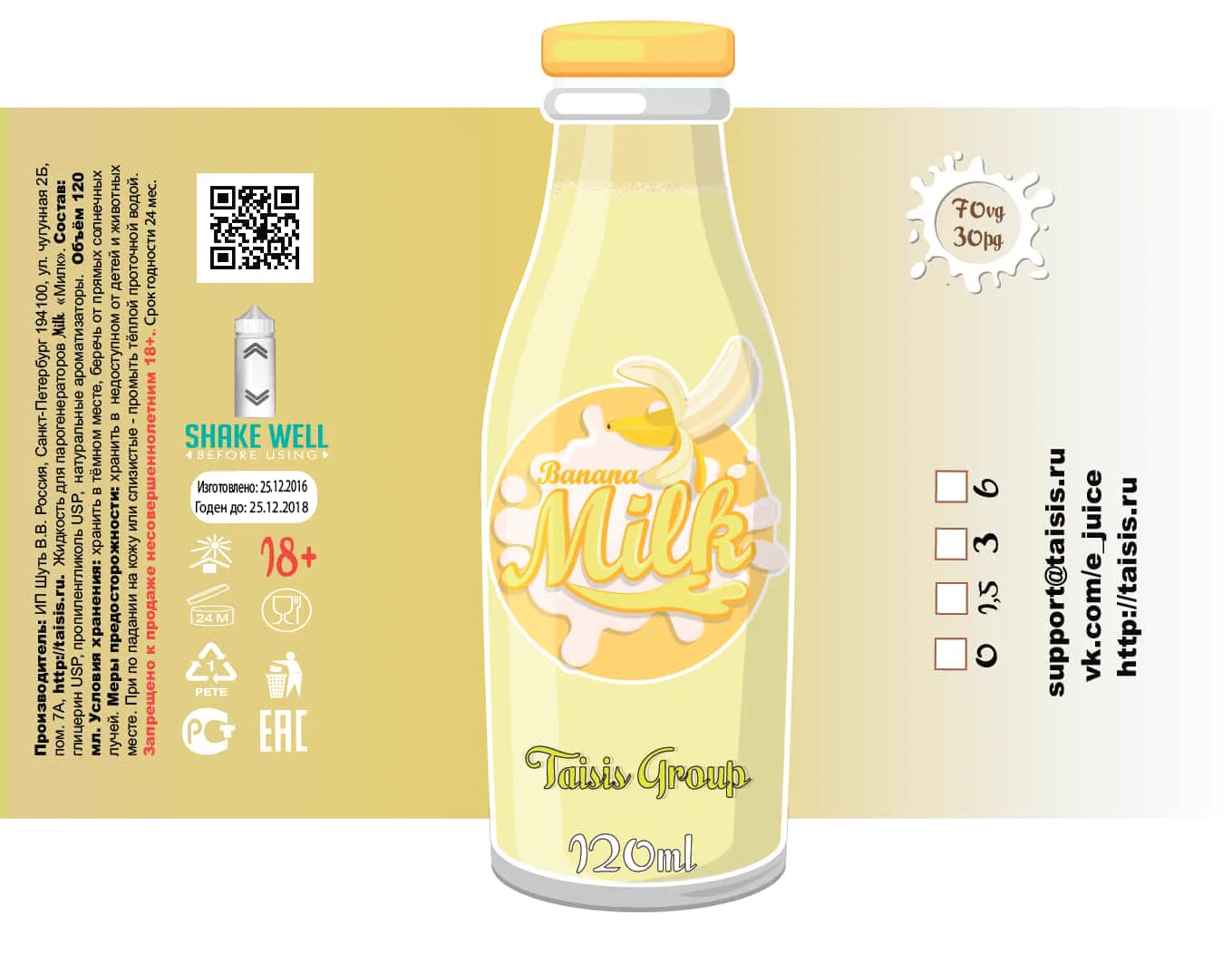
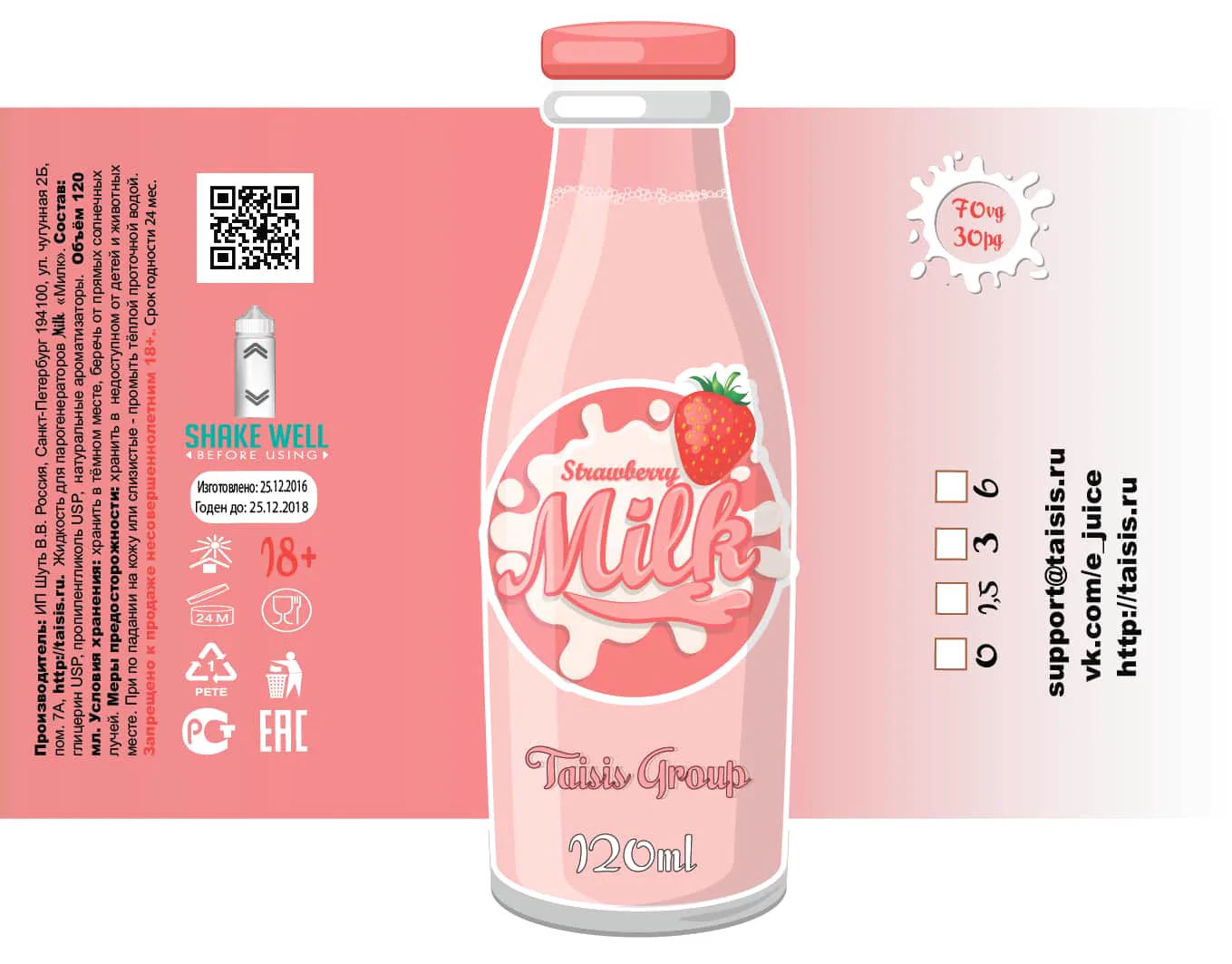
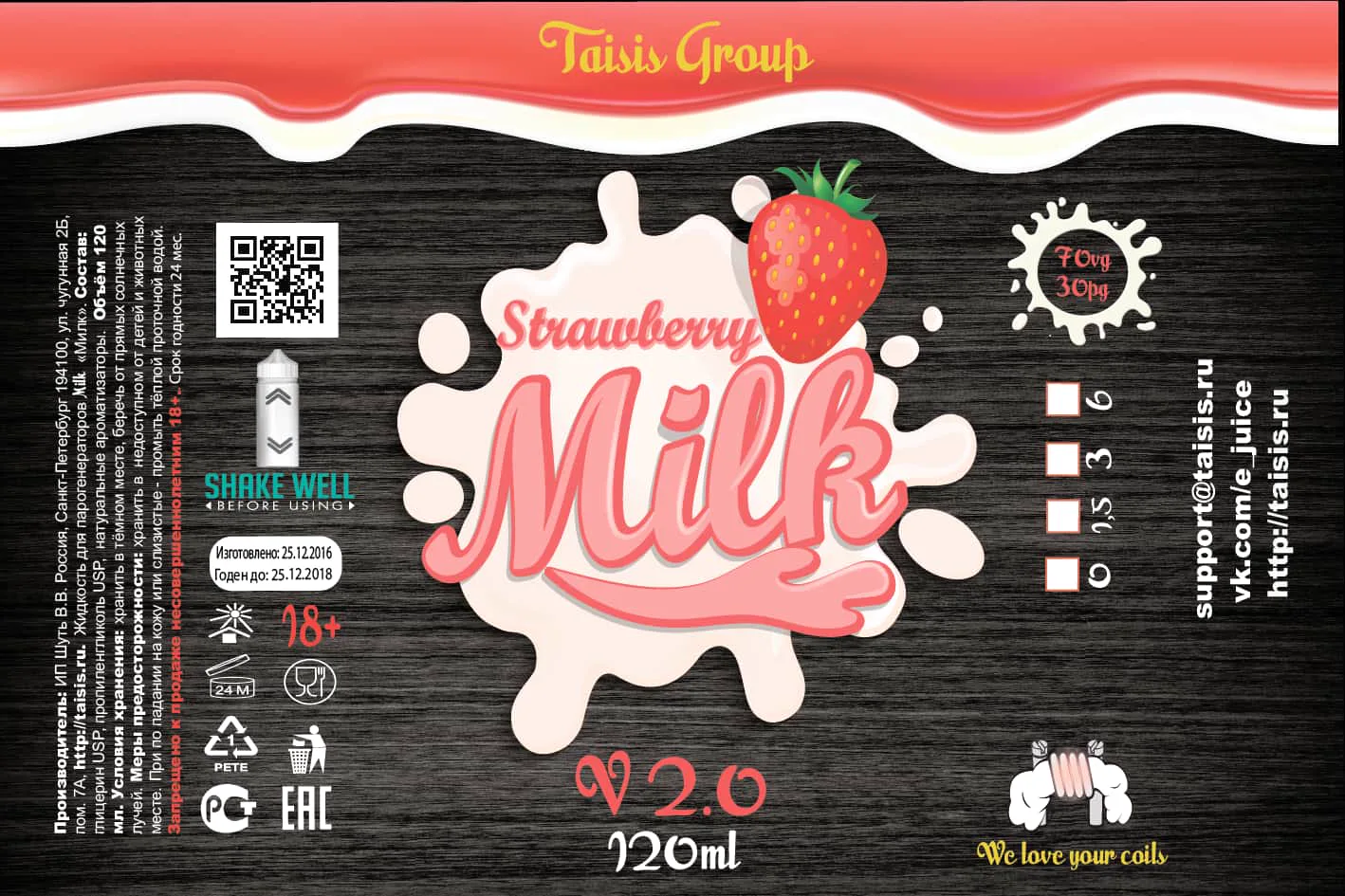
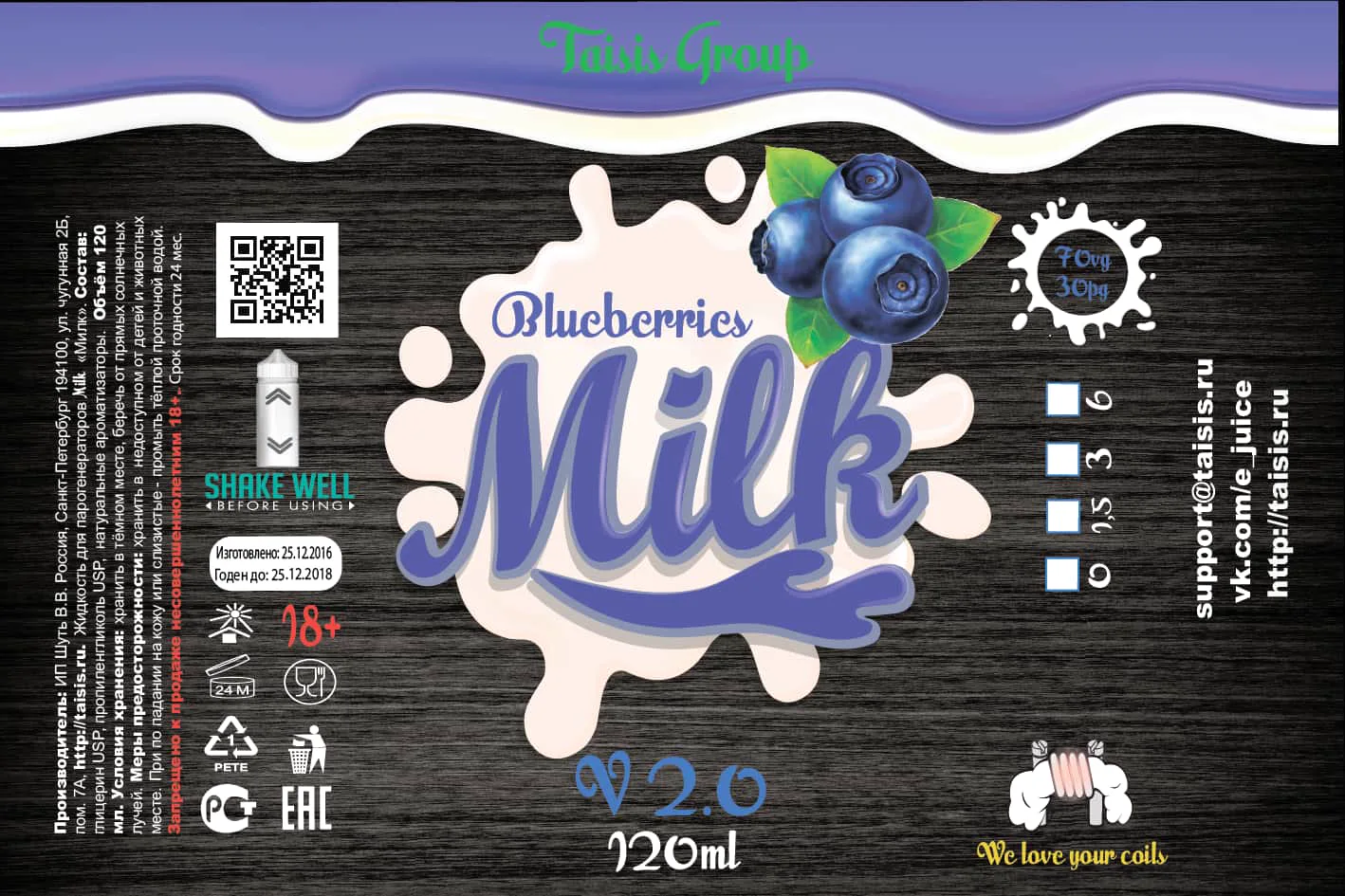
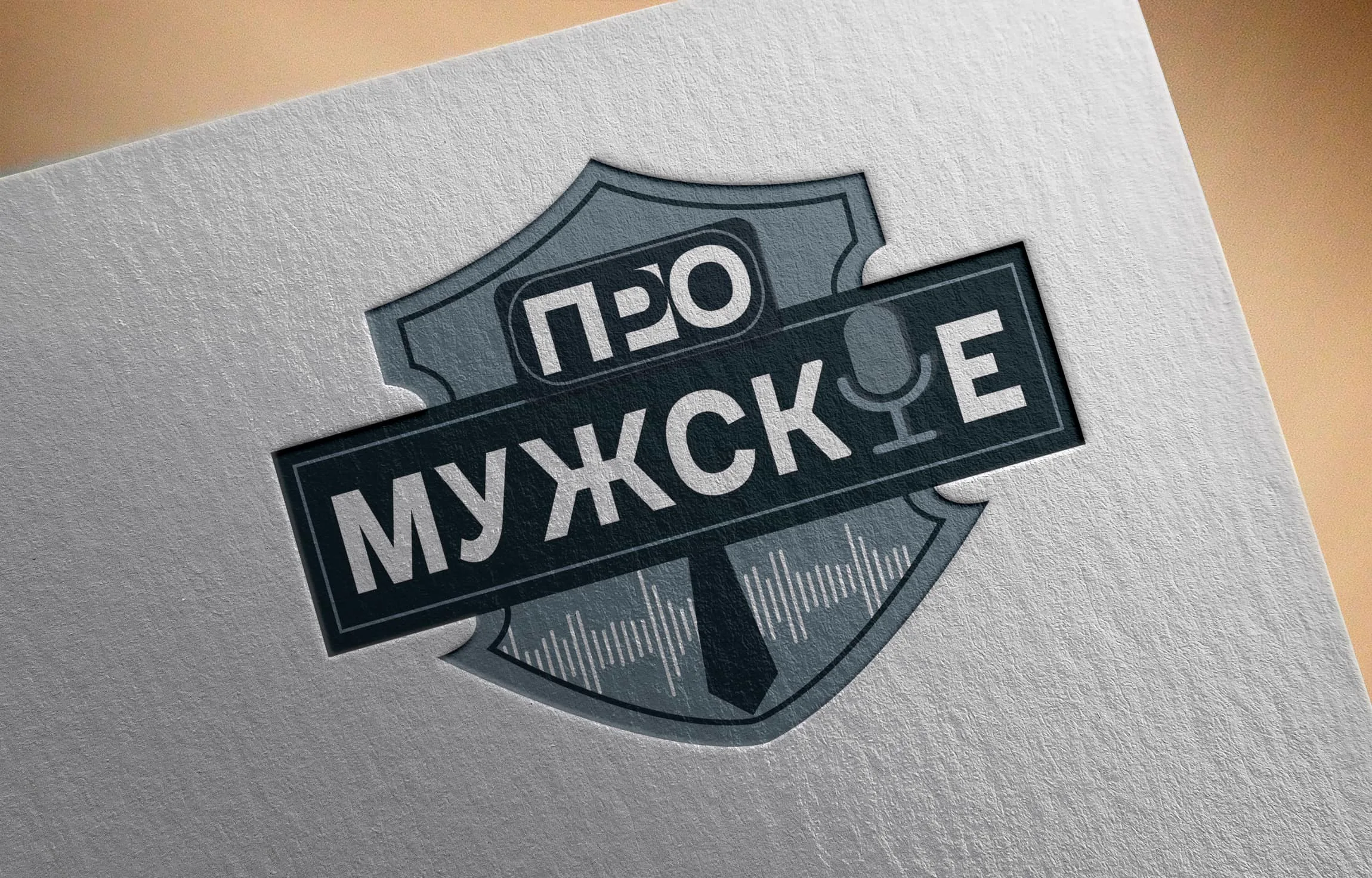
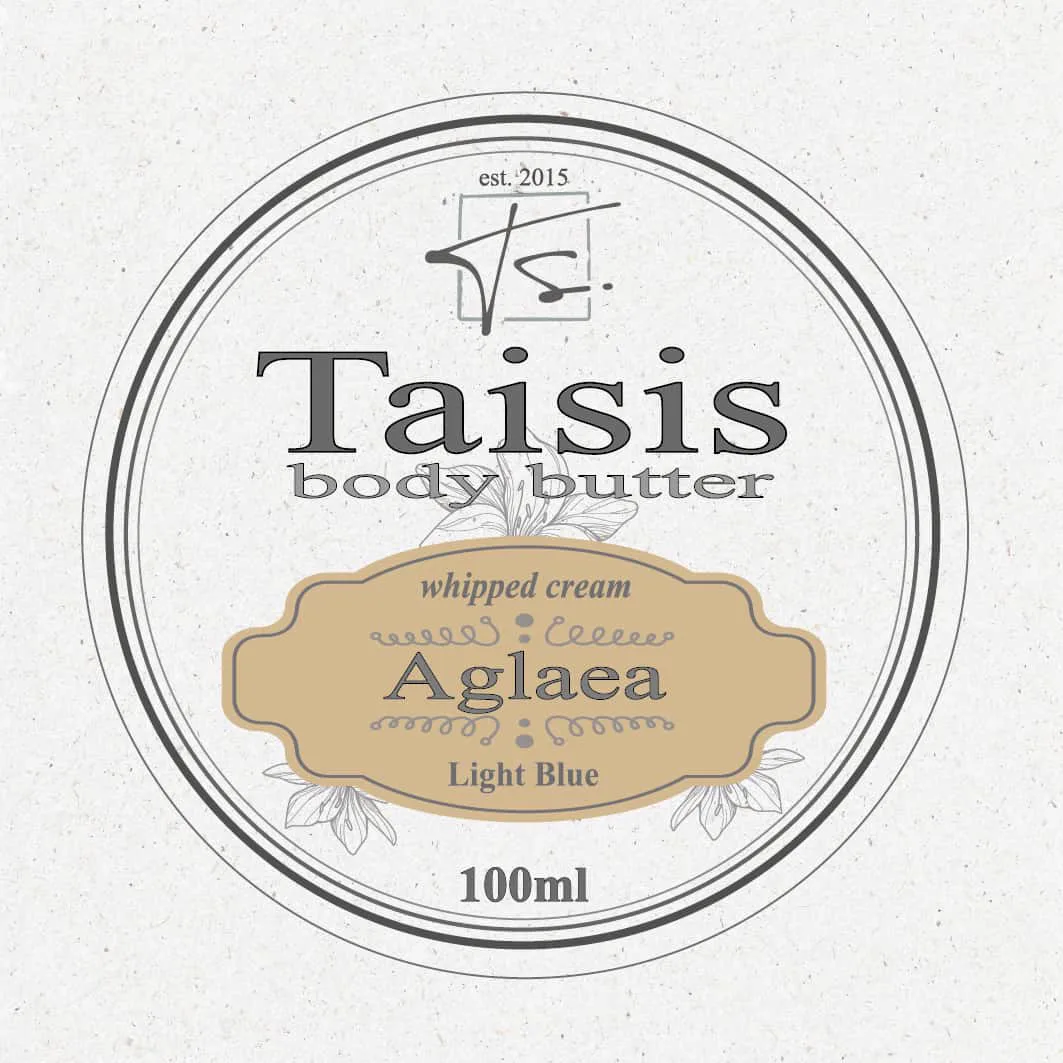
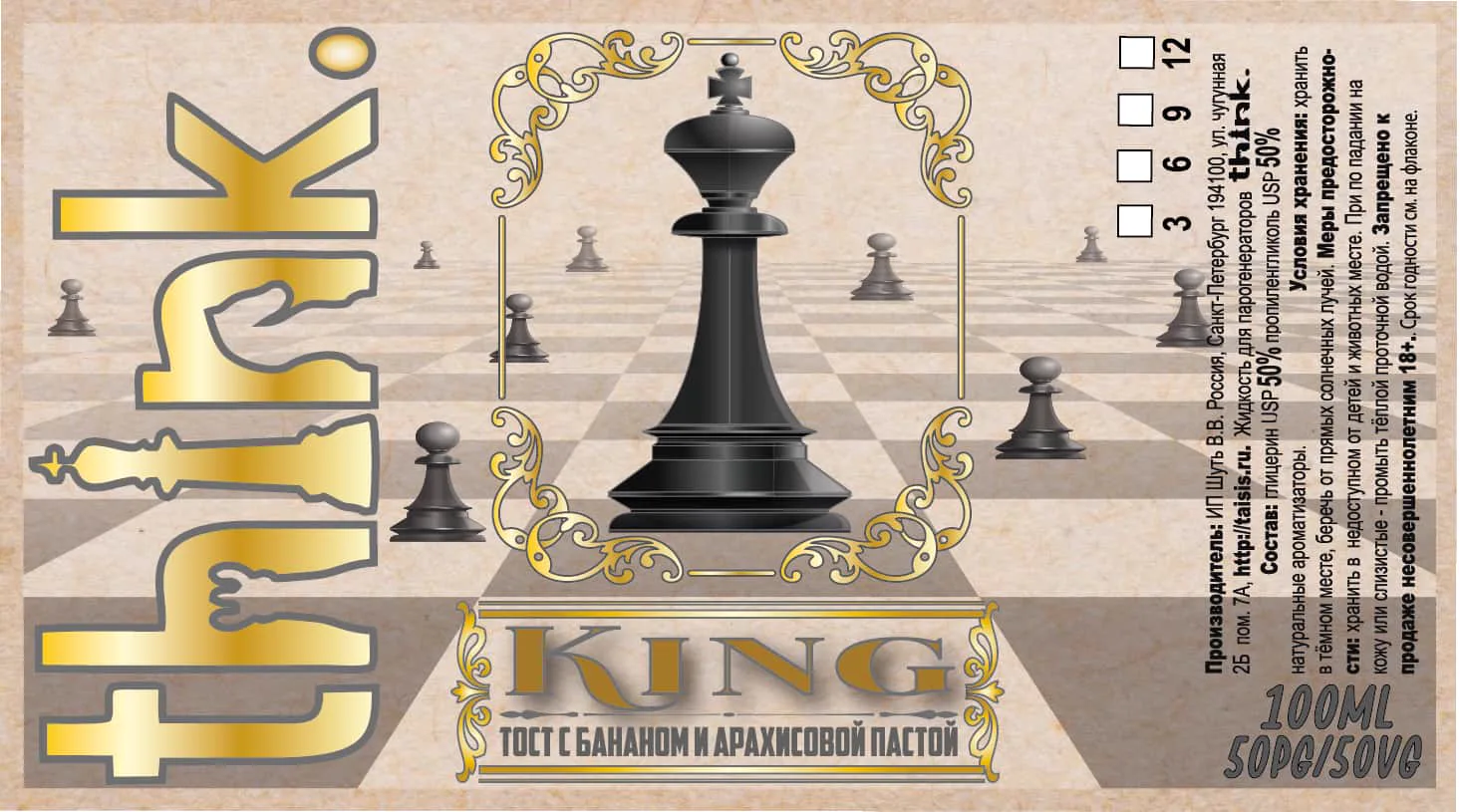
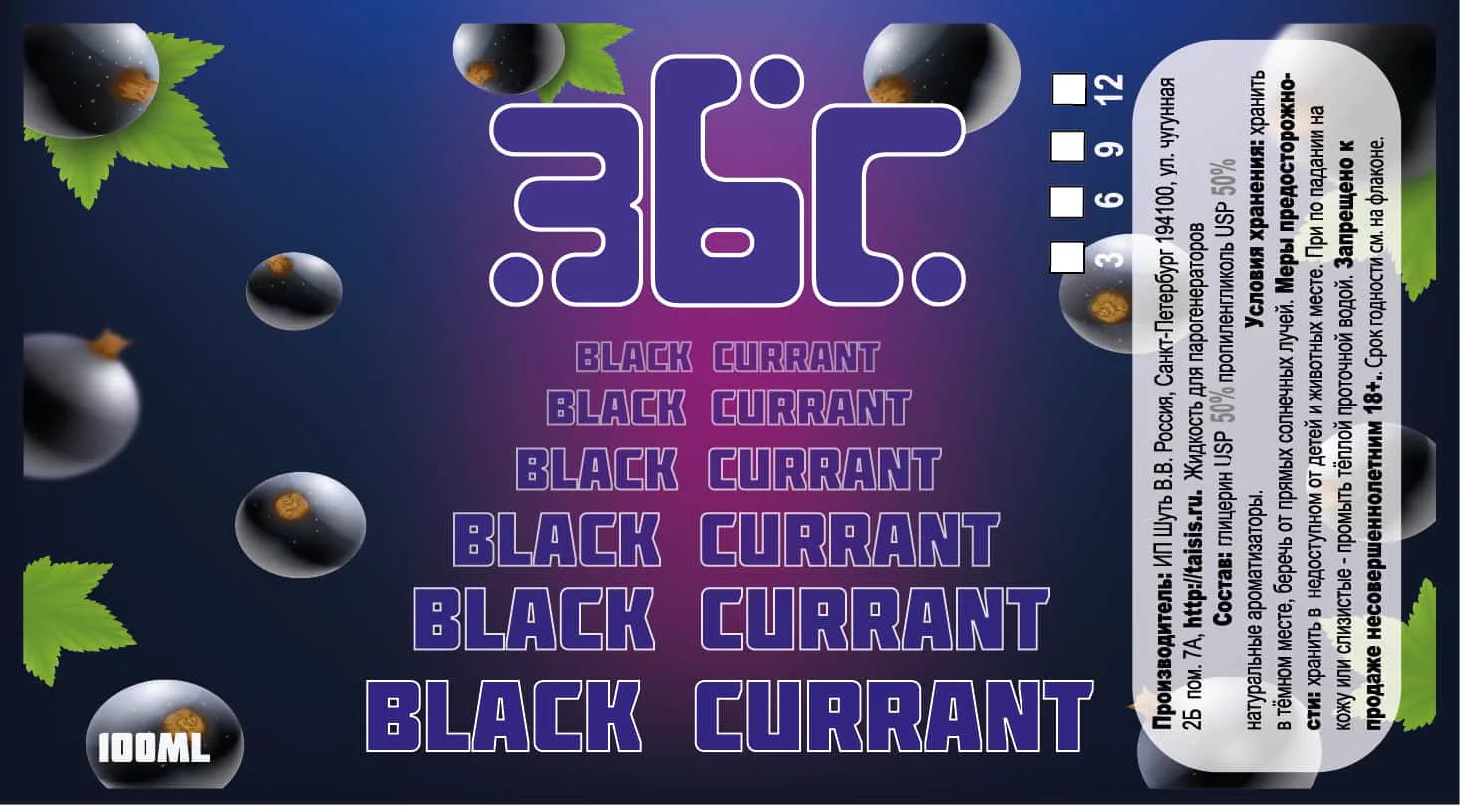
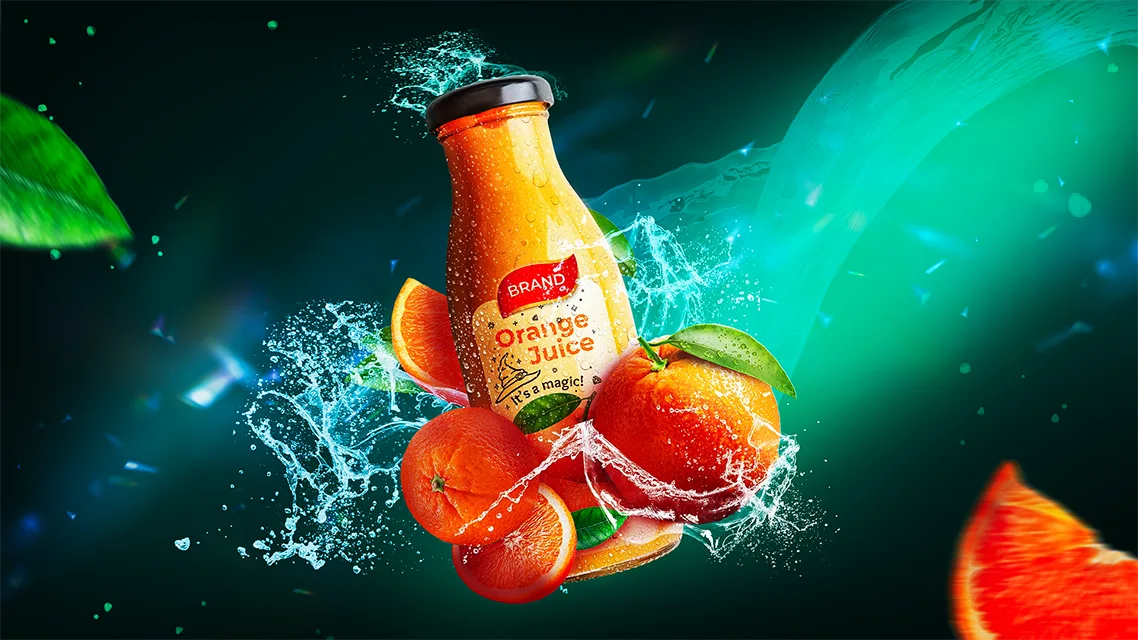
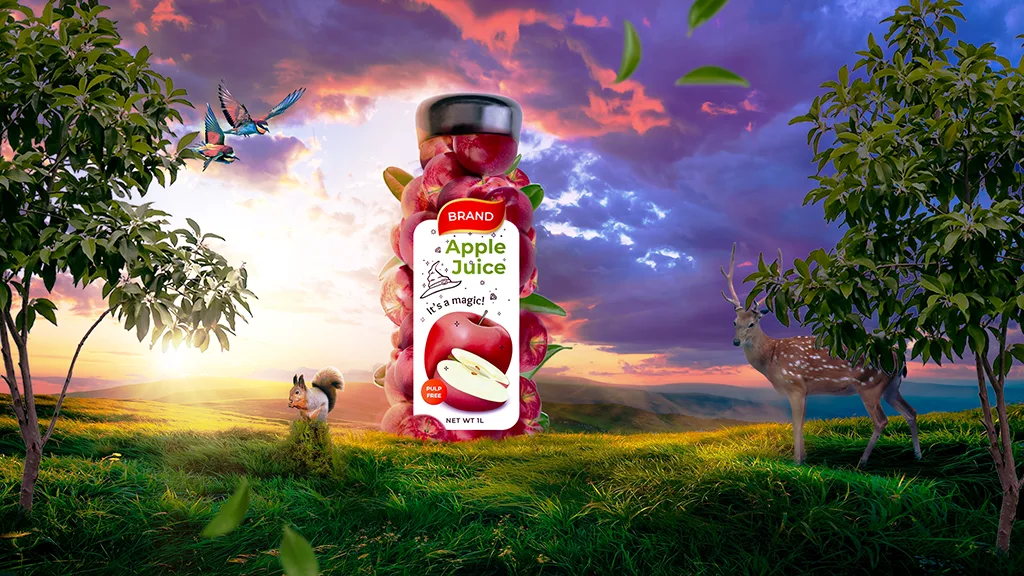
A curated selection focused on packaging, label design, and the visual identity of a product.

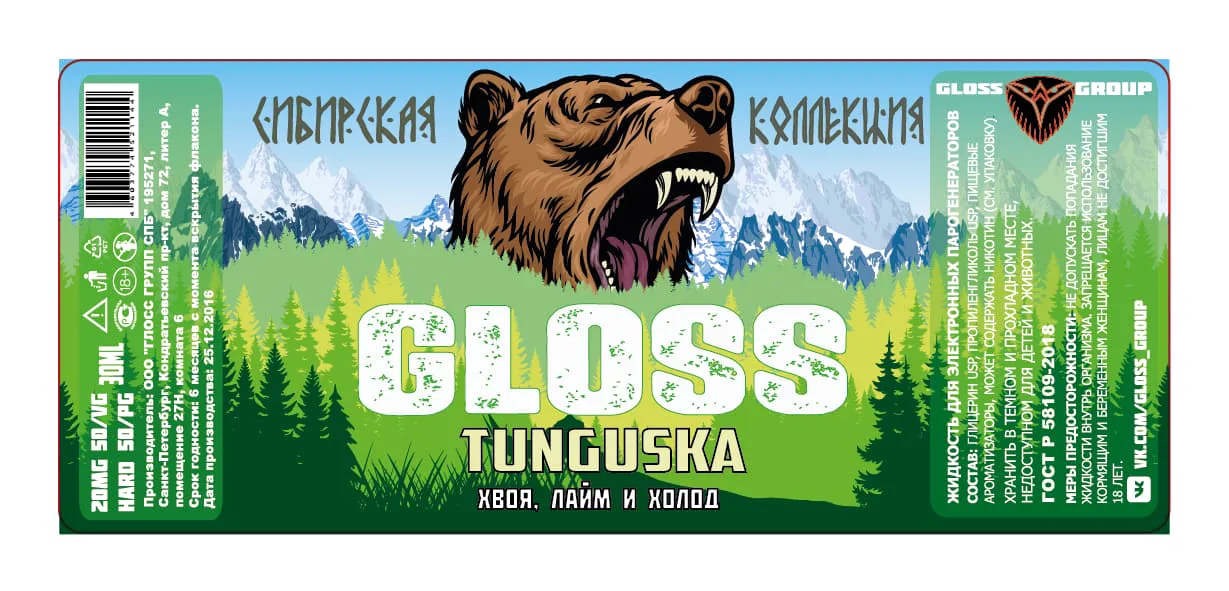
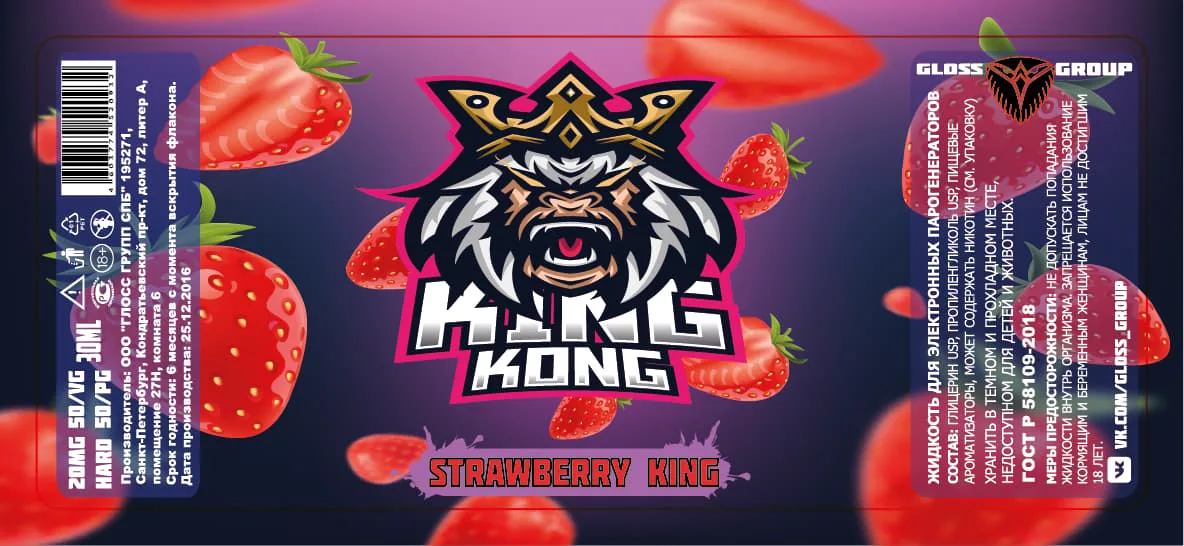
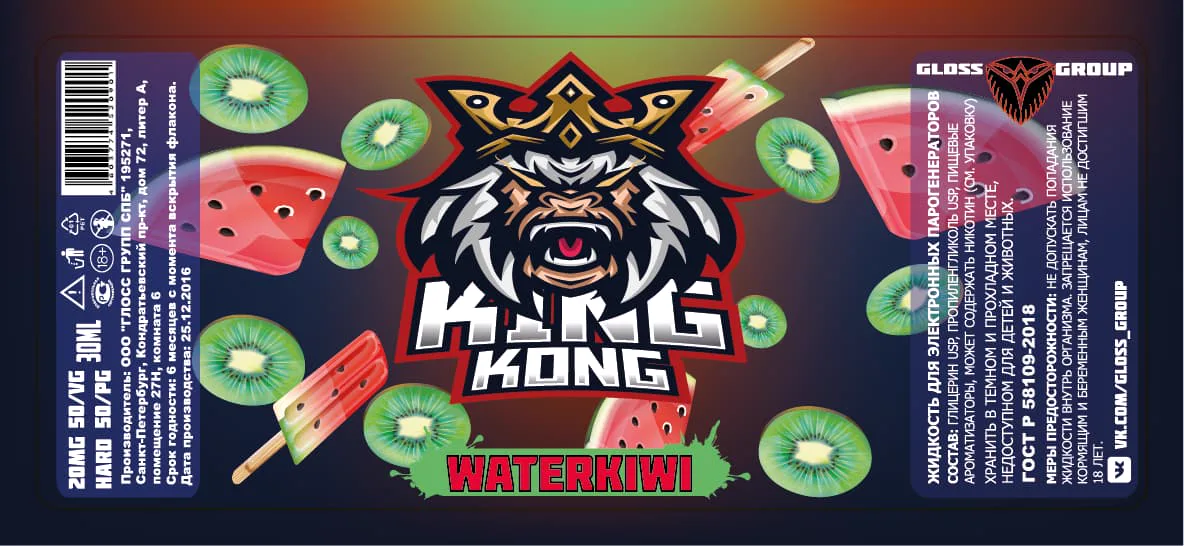
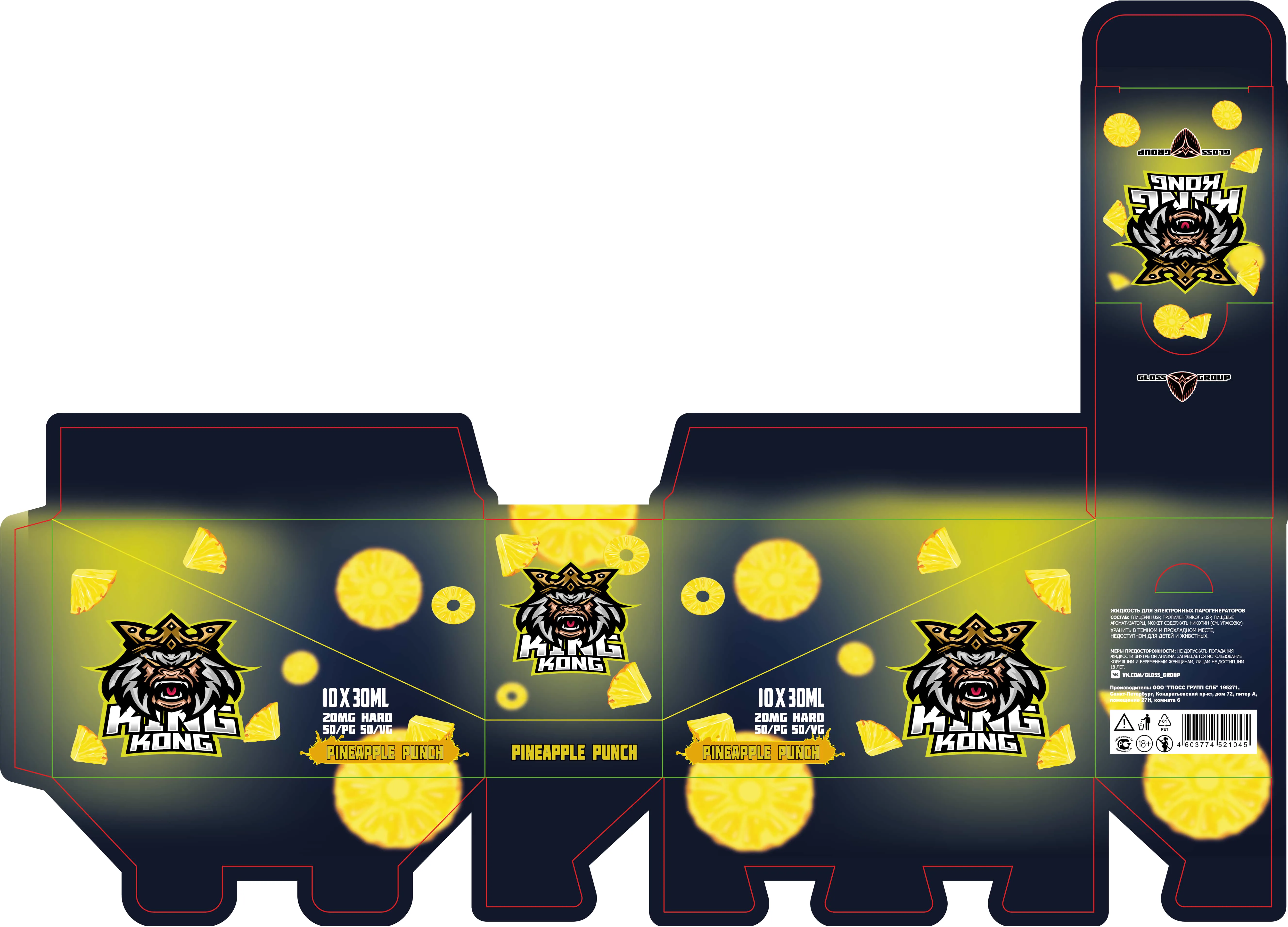
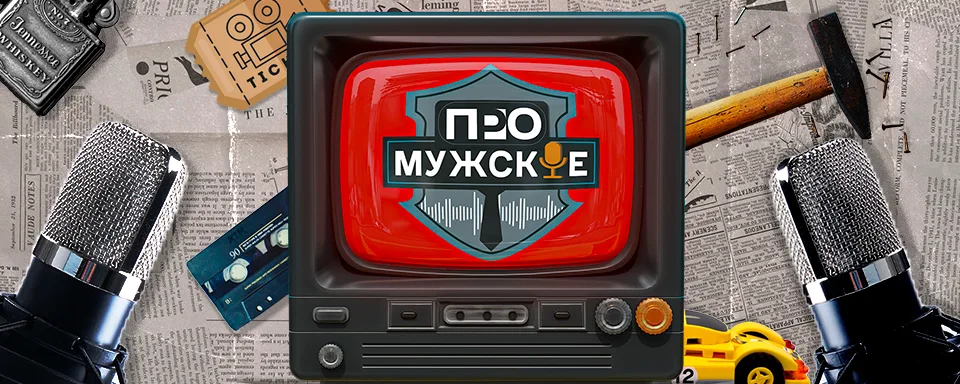
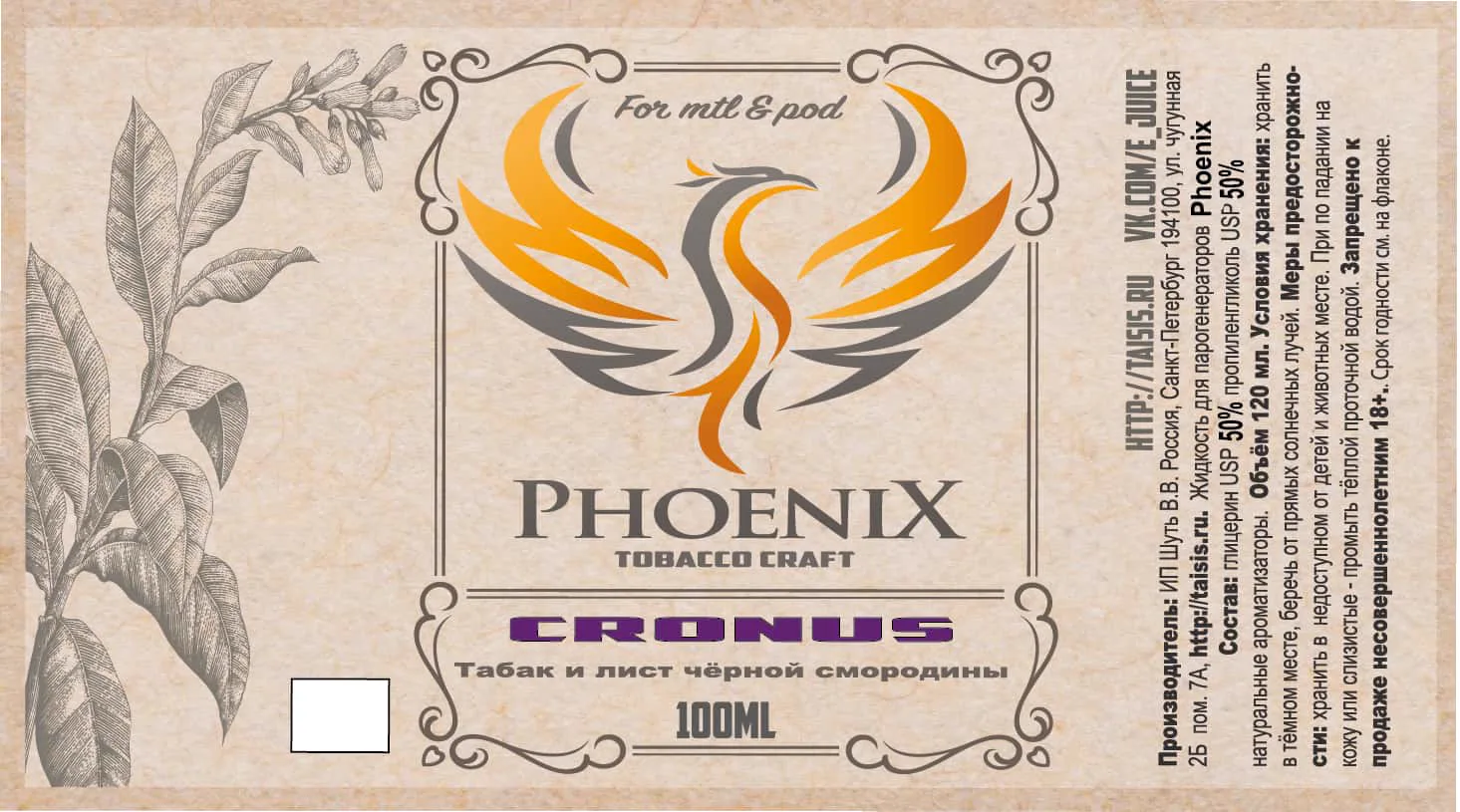
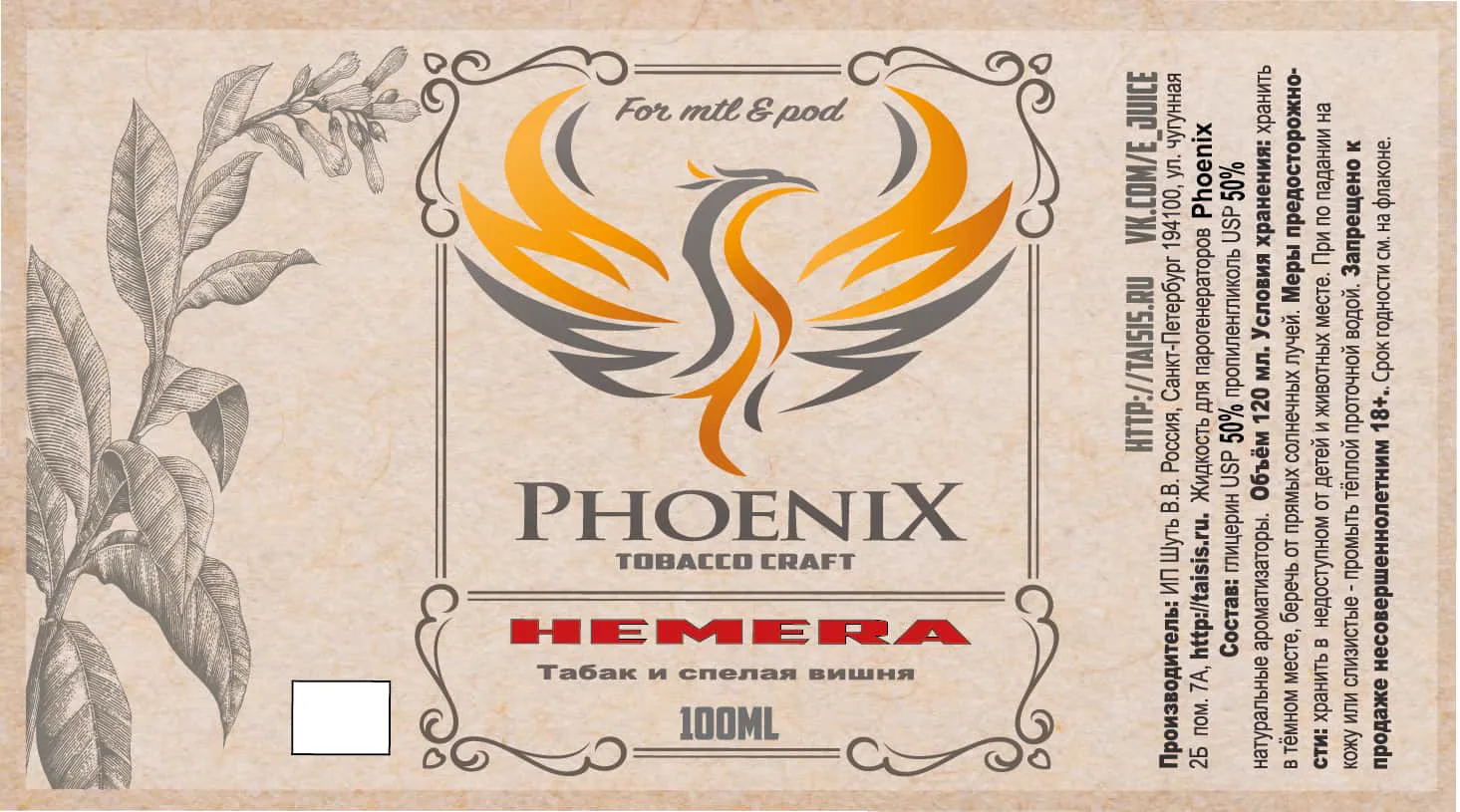
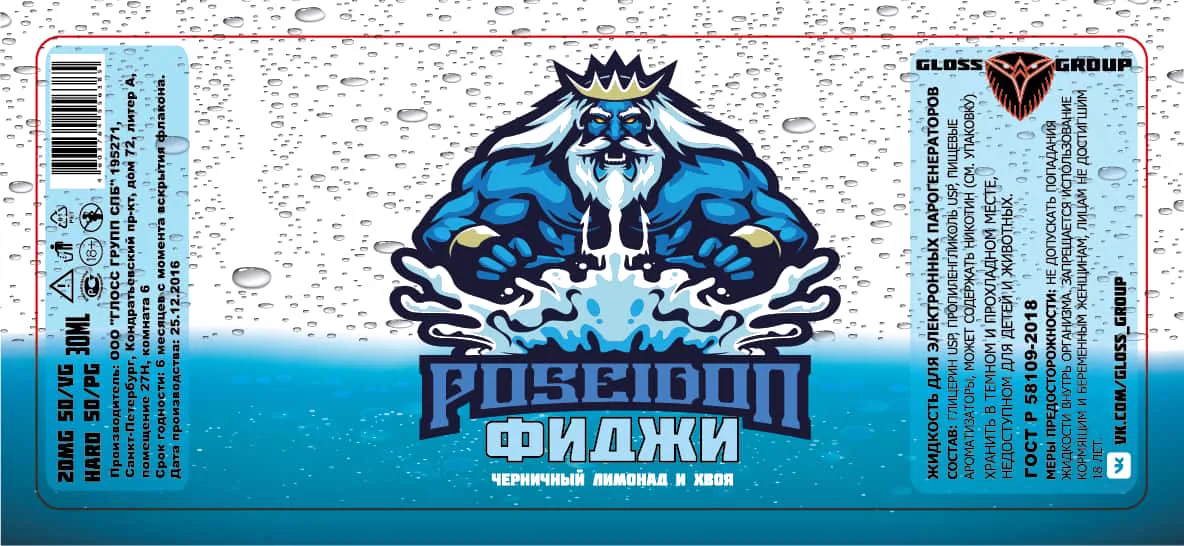
.webp)
.webp)


Here is a small collection of my musical works.
Recording, mixing, mastering, bass guitar
Recording, mixing, mastering, bass guitar
Recording, mixing, mastering, bass, guitar
Recording, mixing, mastering, bass, guitar
Recording, mixing, mastering, backing vocals, bass, guitar
Mixing, mastering, bass guitar, backing vocals
Here is a little more about me. I was born on July 16, 1987, in Leningrad. Besides editing, music, and design, I am also a healthy pastry chef — making sugar-free desserts. However, desk work takes up so much time that I currently bake only for myself and loved ones :)
Worked for 1.5 years as a lighting and sound technician with theater and film actor Albert Makarov in a one-man show based on Edward Radzinsky's play:
"The Last Night of the Last Tsar"
Watch on YouTubeThe video is of questionable quality, but as they say, you get what you get. I didn't shoot it.
I also have two years of experience working as an actor in a children's theater. A brief highlight of my stage work:
Pardon the detour, but I couldn't resist including this snippet, this short film is delightful :)) In reality, it was incredibly fun and exciting — usually, in the 3 weeks leading up to New Year, we had 7-8 performances a day.
Video Description